Combat & Weapon Loadout
Real-time action combat, your two-weapon loadout, and how to charge up special attacks.
The quick answer
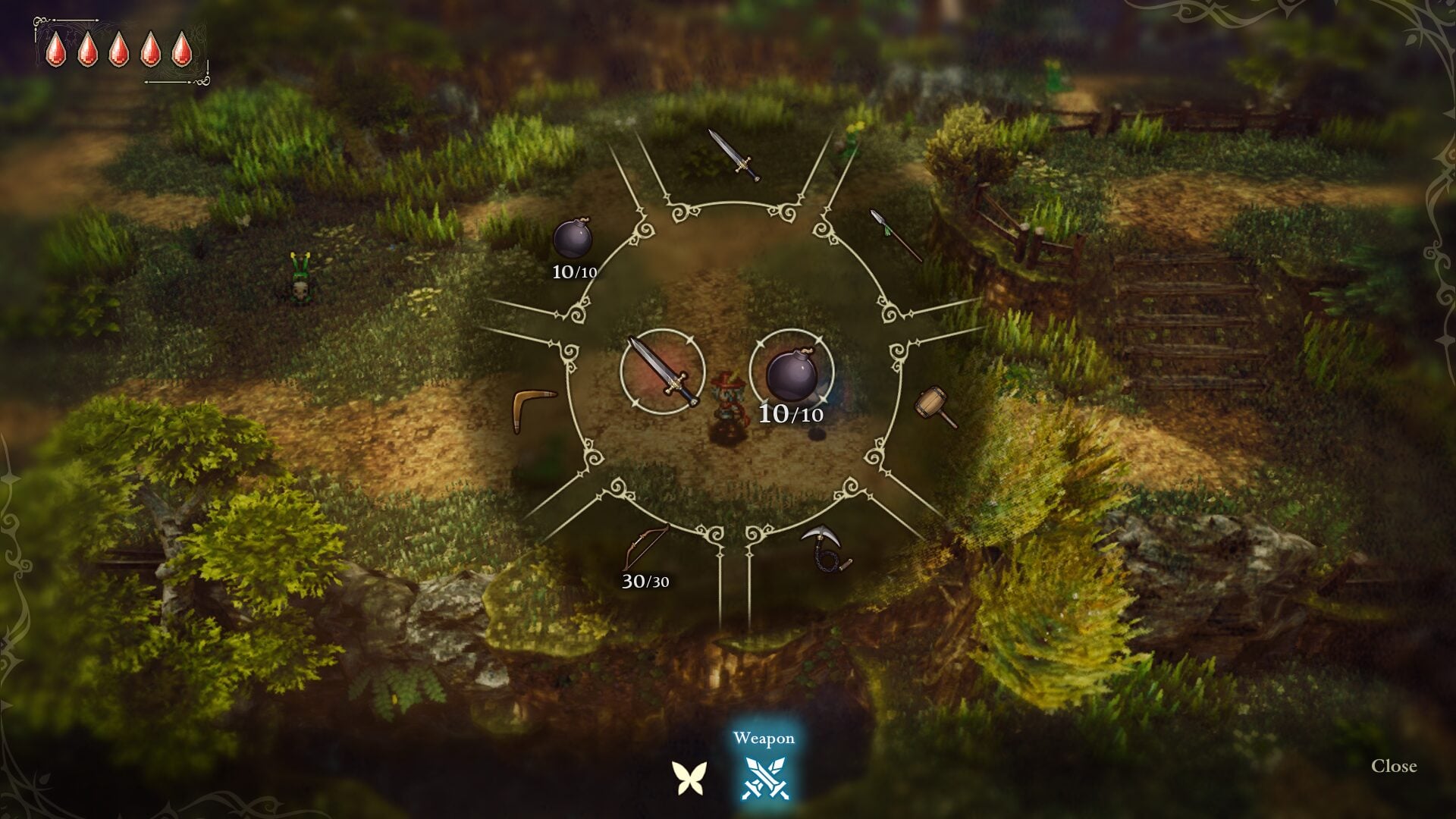
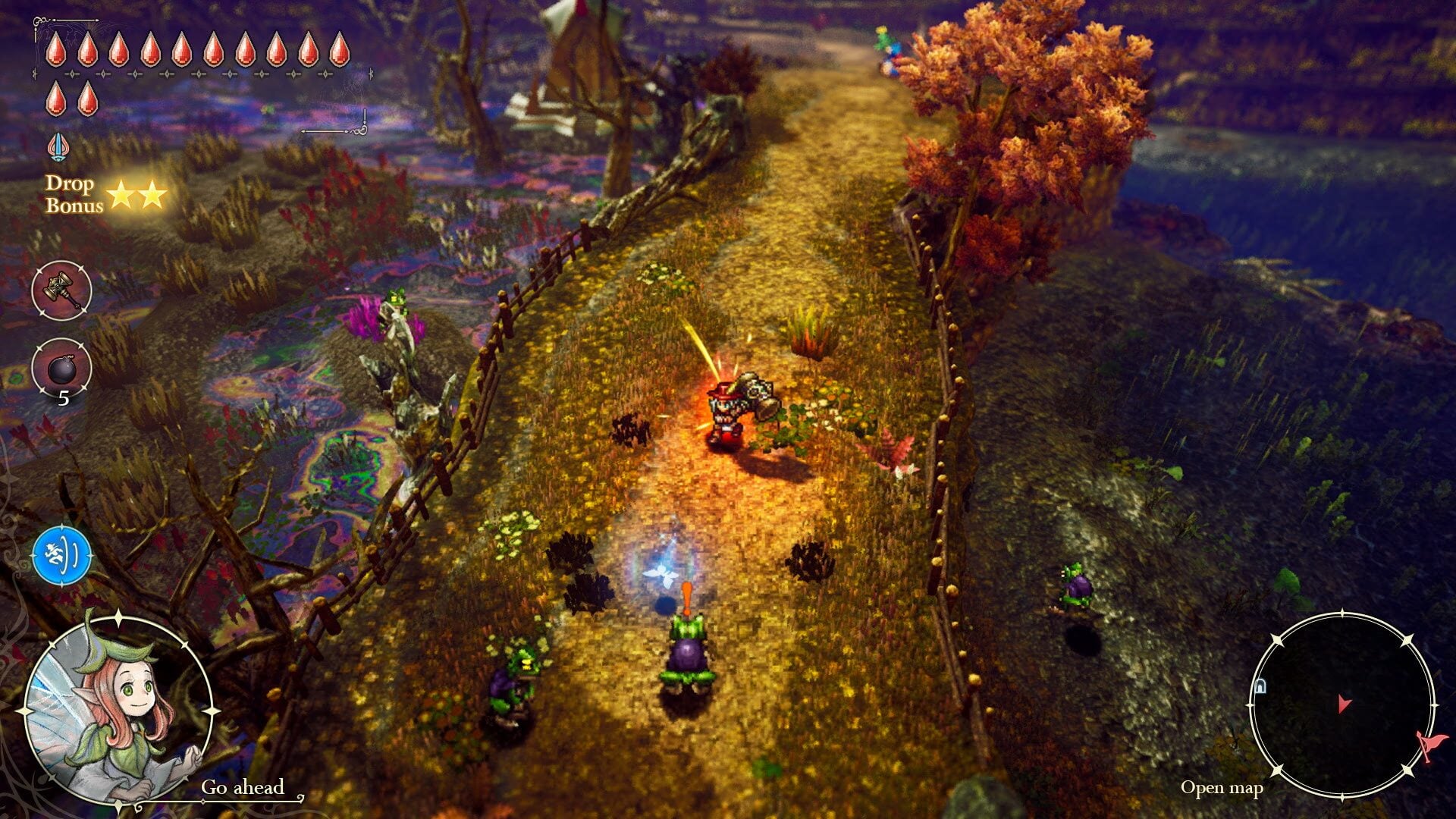
Combat is real-time and action-based (Zelda-style). You equip two weapons at once and swap between them on the fly. Most weapons have a special attack you trigger by holding the attack button to charge up. Elliot starts with a basic sword and shield — slash, charge, and guard.
How real-time combat works
There's no waiting through menus mid-fight. You move, attack, and guard in real time against the beastmen and other foes across Philabieldia. Watch enemy movements and time your strikes — most attacks are easy to punish once you read the wind-up. Your shield blocks attacks from the front only (not your back or sides), so keep dangerous enemies in front of you instead of letting them flank.
Equipping two weapons
Elliot carries two weapons at the same time and switches between them instantly. That lets you cover two ranges or roles at once — a fast sword plus a bow for ranged threats, or a heavy hammer paired with a boomerang for switches and distant grabs. Build the pair around the dungeon and the enemies you expect to face. Follow these steps:
- Open the equipment menu and slot a weapon into each of your two slots.
- Pick one melee or close-range option and one that covers a gap (ranged, AoE, or a tool weapon).
- In a fight, swap to whichever weapon suits the moment — there's no cooldown to switch.
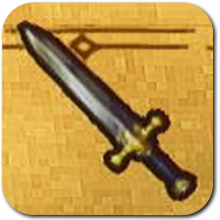
Sword
Fast, wide swings + a flying-slash special.
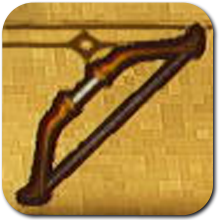
Bow
Special fires a fan of arrows for one arrow.
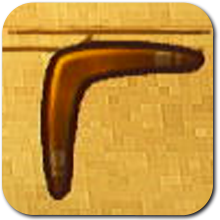
Boomerang
Hits on the throw and the return.
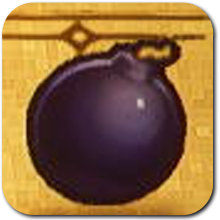
Bomb
Blows up rocks and cracked walls.
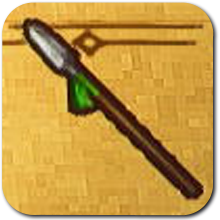
Spear
Long-range pokes + a forward charge.
Charged & special attacks
Hold the attack button to charge. On release the weapon performs its special attack — a stronger, often wider or longer-range version of its normal hit. Each weapon type's special is different (see the table). Stronger same-type weapons you find in caves and ruins raise attack power and upgrade the special, sometimes adding extra charge stages.
| Sword | Short | Fast | Charged/special attack triggered by holding the attack button; stronger variants have enhanced charge stages. |
| Spear | Long | Fast | Hold-to-charge special attack; stronger variants add charge stages. |
| Hammer | Short | Slow | Charged smash; Lightning Mallet magicite adds bolts of lightning to the hammer special, with rarer magicite hitting a wider area. |
| Chain-Sickle | Medium | Average | Wide AoE charged sweep. |
| Bow | Long (ranged) | Medium | Charged shot; stronger variants enhance the charge. |
| Boomerang | Ranged (returns) | Medium | Charged throw. |
| Bombs | Thrown | Slow | Timed explosion; high single-hit damage (Atk. 50 on the basic Bomb). |
| Shield | n/a (defense) | n/a | Just Guard / Parry (precise-timed block) once upgraded. |
Loadout tips
Pair weapons that cover different ranges so you're never stuck. Keep a tool weapon (bomb or hammer) handy for blocked paths. Use the shield's precise guard against telegraphed hits, and let charged specials do the heavy lifting on tougher foes. You can push effects further by socketing magicite into your weapons.
FAQ
Can I equip more than two weapons at once?
No — Elliot equips two weapons at a time and swaps between them. Plan the pair around the area you're heading into.
How do I do a special attack?
Hold the attack button to charge, then release. Most weapons fire off a special this way; the shield is the exception (it guards instead).
Do better weapons change my specials?
Yes. Stronger versions of the same weapon type raise attack power and grant a stronger special — some add extra charge stages. The best ones are tucked away in optional areas off the main path.
How does magicite fit in?
You socket magicite into weapons for extra effects — fire trails, lightning, extra throws and more. See the Magicite Combos guide.
Screenshots
Related: Weapons · Magicite Combos · Faie Magic · Beginner Tips